

MASTER CRASH GAME
Master Crash APK Download for Android
Review the Android file linked by Master Crash Game, then follow the installation steps. File details, update checks and help are below.
 Author: Mithila Kamat · Editorial lead: Revat Desai · Updated
ANDROID APK · DOWNLOAD & INSTALL
Linked package: Teen Patti Master. Version 1.0 for Android 5.0+, with a 58.9 MB download.
Download Android APK ↓Review the file information below before installing.

Master Crash APK file details
Compare these details with the file saved on your phone. The package ID identifies the app; the SHA-256 checks whether the downloaded bytes match this file.
Swipe sideways to read the full table →
| File format | Android package (.apk) |
|---|---|
| Version / build | 1.0 / versionCode 1 |
| File size | 58,913,222 bytes · 58.9 MB |
| Minimum Android | Android 5.0 / API 21 |
| Package ID | com.teenpattimervion.zelvarix |
| SHA-256 | 93245d170ac18592ef8193ad241d9412480ca00a6940588c3104c7e7572a716a |
| File verification | 13 October 2026 · downloaded bytes and digest checked |
| Publisher / product verification | Publisher identity, full mode list and running behavior are not independently confirmed |
Checked on 13 October 2026 by downloading the file and reading its Android manifest. The app was not installed or run. A matching checksum does not establish safety, game availability or fairness.

Continue on your phone
Scan to open this download page and its installation steps.
Understand the app before you install
Concept illustrations — not screenshots of the supplied APK.
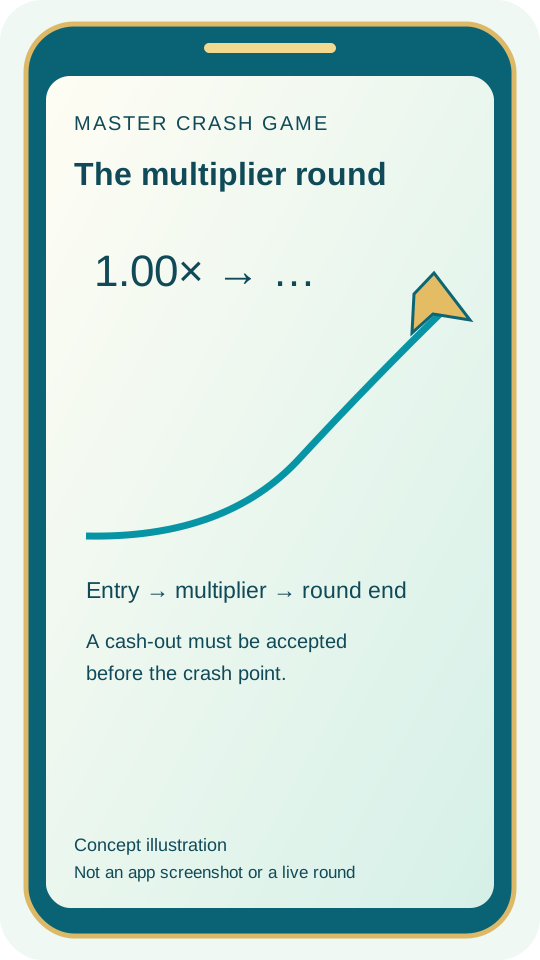
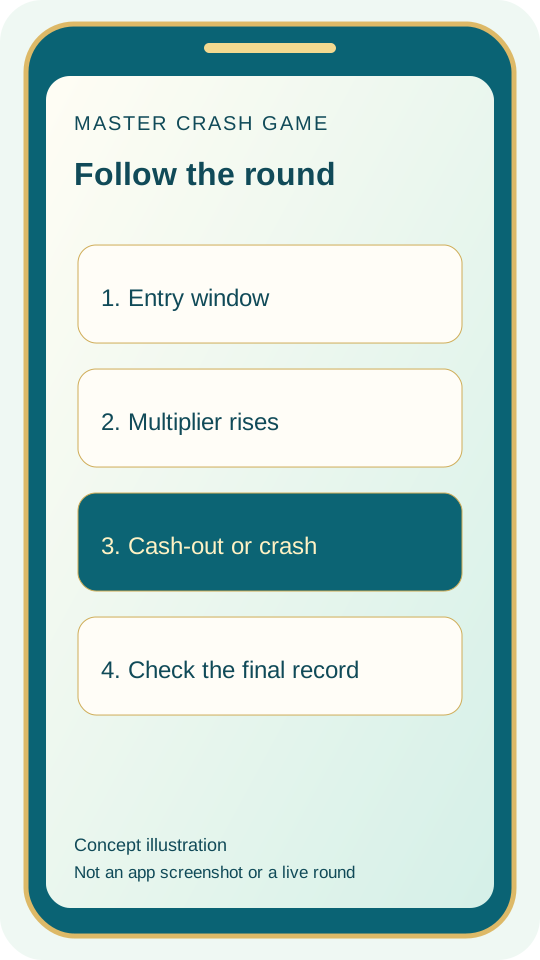
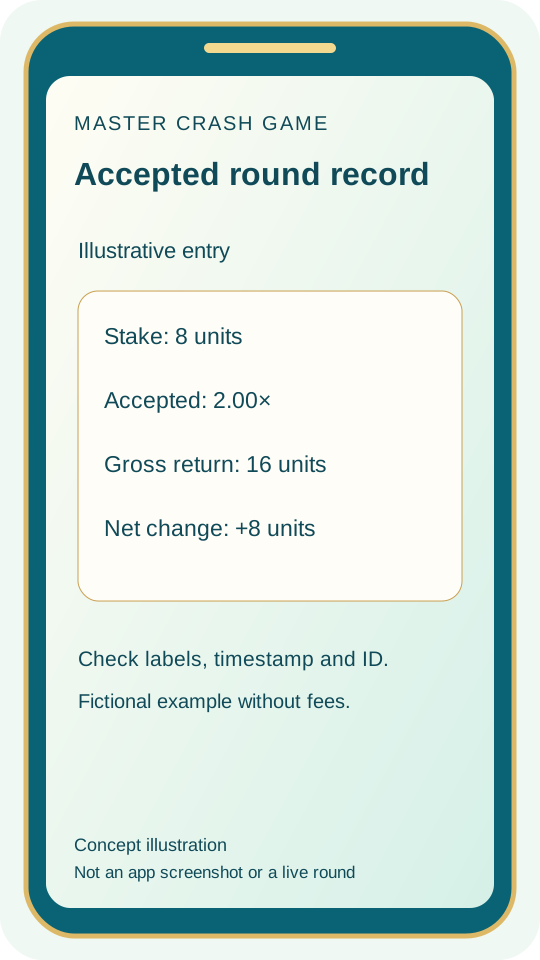
Before you install
- Source and identity. Use the linked Android download and keep its filename. A website brand name, an Android package ID and a publisher identity are different fields. Avoid assuming that a renamed file establishes a different product.
- Checksum and completeness. Compare the byte size and complete SHA-256. A partial download or changed version can produce a different digest. Resolve a difference before installing rather than ignoring it because the icon looks familiar.
- Storage and compatibility. Check available storage and the Android version on your own device. Extra working space may be needed during installation. Minimum SDK information alone does not establish how well the app will run.
- Permissions and warnings. Read Android’s requests, including any browser-source permission. Keep Play Protect enabled; do not use a blanket instruction to bypass warnings. Review a permission that seems unrelated to the expected feature before proceeding.

How to install on Android
- 1
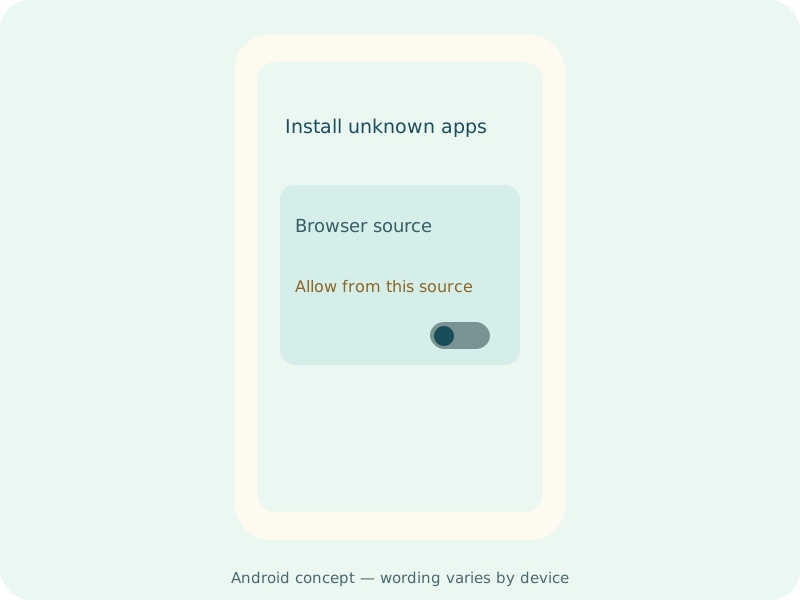
Check the source
Review the file details above, then download on a stable connection. Wait for the browser to show that the download is complete before opening the file.
- 2
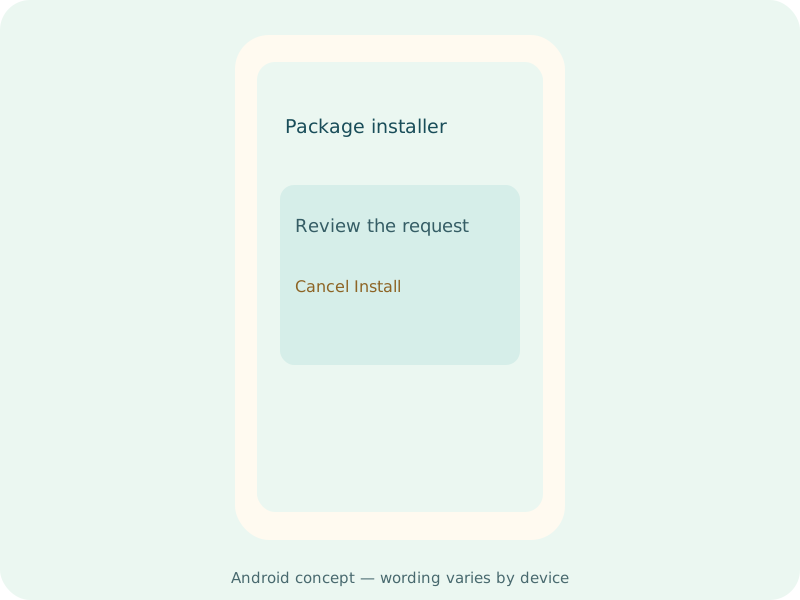
Review the installation request
Read Android’s installation prompt and permission requests. Menu names vary by phone. Keep Play Protect enabled and investigate any warning you do not understand.
- 3
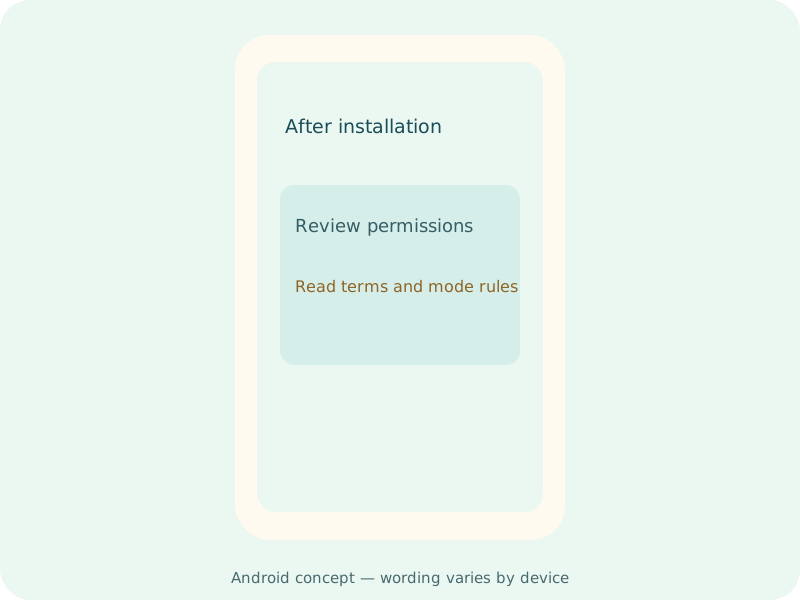
Open and read the rules
Read the app’s terms, available games and mode rules before using it. When finished, turn off any temporary permission that allowed your browser to install apps.
Version and update checks
- Android file check
The download link changed on 13 October 2026. File size, SHA-256, Android version and package ID were checked. This records the file change, not a tested app update.
Publisher release notes have not been supplied. For a later download, compare its package ID, version and checksum with the details for that file.
Before replacing an installed copy, compare the package ID, version and published update information. A different package can be a separate app, rather than an upgrade. Keep account-recovery and local-data details before making a change. Read the app update checklist.
Install problems
Why might the Android APK fail to install?
Check free storage, file completeness and compatibility. A package already installed on the phone can conflict with a different signature or build. Preserve account and local-data information before deleting an existing app. Ask the verified publisher route if the conflict cannot be explained.
What should I do if Android shows a security warning?
Keep device protection enabled. Stop and review the source rather than following a blanket bypass instruction. A digest match identifies bytes; it does not prove that the file is safe to run. Android security guidance is linked in the installation article.
“Problem parsing the package”
Review the Android requirement and whether the download completed. Compare bytes and the full checksum. Retry the original source on a stable connection if the file is incomplete. Do not treat the filename alone as a compatibility check.
The download stops midway
Read the browser download manager to see whether the transfer is paused, failed or still active. Check connection and available storage. Retry the original link when appropriate, avoiding several simultaneous partial copies with confusing filenames.
Still unclear? Prepare a support checklist with your device, file details and exact error.
DOWNLOAD QUESTIONS
Master Crash APK FAQ
Where can I find the Master Crash APK download?
The Android APK button on this page opens the linked file. Review the file details first, then follow the installation steps. The supplied package uses the Teen Patti Master name; Master Crash Game is the name of this website.
How large is the file, and which Android version does it need?
The checked file is 58,913,222 bytes, approximately 58.9 MB. Its manifest lists Android 5.0 (API 21) as the minimum. Installation also needs available storage; meeting the minimum Android version does not confirm how the app will run on every phone.
Which APK version is listed here?
The recorded version name is 1.0 and the version code is 1. The file and Android manifest were checked on 13 October 2026. That is a file-check date, not a verified release date or a claim that this is the publisher’s latest version.
Why can the downloaded file have a different name from the website?
A website brand, an Android package ID and a publisher name describe different things. Keep the original filename and compare the package ID and checksum with the table above. Publisher identity and the full game list have not been independently confirmed.
Can I install this APK on an iPhone?
No. An APK is an Android installation file. This page does not provide an iOS app or an App Store listing. Renaming the file does not make it compatible with iPhone.
Does a matching checksum confirm the app is safe?
A matching SHA-256 identifies matching file bytes. It does not establish safety, game fairness or available modes. Read permission requests and keep Android’s security checks enabled.
Need a next step? Use the Android installation error guide, support checklist or Crash rules overview.