
If you can no longer find Master Crash on Google Play, start by matching the exact app you were looking for. A failed search cannot tell you whether the listing changed, your device is incompatible or the app is unavailable to your Play account. This site has removed its former Play button. That change does not establish the reason for the listing’s availability.

If you already have the app, check what is installed
Start from the app you already recognise on your phone. Open Android Settings and find it under Apps. Record the displayed name and version if available, then use a verified publisher channel to confirm its identity. If the problem is only that you cannot find a listing, uninstalling first can make it harder to identify the copy you already have.
If a listing is missing, distinguish the symptoms
Swipe sideways to read the full table →
| What happens | What the result tells you |
|---|---|
| A name search shows nothing | The search did not return an exact match. Compatibility can affect what appears in the Play app. |
| An old URL says unavailable | That listing is unavailable from your current view. Keep the exact wording if you need to ask about it. |
| A similar name appears | The name is a possible match. The publisher and application ID still need to match. |
| The problem affects all app downloads | Look at Play Store or device troubleshooting before treating this as a single-app issue. |
For example, two people can search the same words on different phones and see different results. If one has a working listing link and the other sees a device message, keep those observations separate. Neither screenshot, by itself, establishes permanent removal everywhere.
Why the APK is a separate decision
The APK record on this site and the former Play listing identify different Android application IDs. Android uses that identifier when deciding whether one package can update an existing app. A familiar icon or matching launch name cannot bridge the difference. Check the installation instructions for the product you actually use before replacing it.
See the historical Play listing and APK comparison for the recorded identities, and the APK file details for the separate download record.
What to do with an unexpected replacement link
A forwarded message saying “new official version” is not an update notice you can verify from the name alone. Compare the whole destination and ask the verified publisher for the exact app ID and the supported update path. If Android or Play Protect flags a package, read the message and stop before running it. Keep the old installation and your records until you know whether the product supports moving them.
If the app is already installed but will not launch, start with the launch troubleshooting guide.
Frequently asked questions
Should I install the first replacement I find?
Check the identity and source first. Search rank and shared branding do not validate an APK.
Can the APK update my old Play installation?
The recorded IDs differ, so this file cannot act as an in-place update of the former Play app.
Sources and scope
Examples use the rules and fictional units stated in the article. Check the actual product for its available modes, rules and conditions; no outcome or payment is promised.
Adults 18+. Set time and spending boundaries before participation. Read the limits and breaks guide.
Related reading
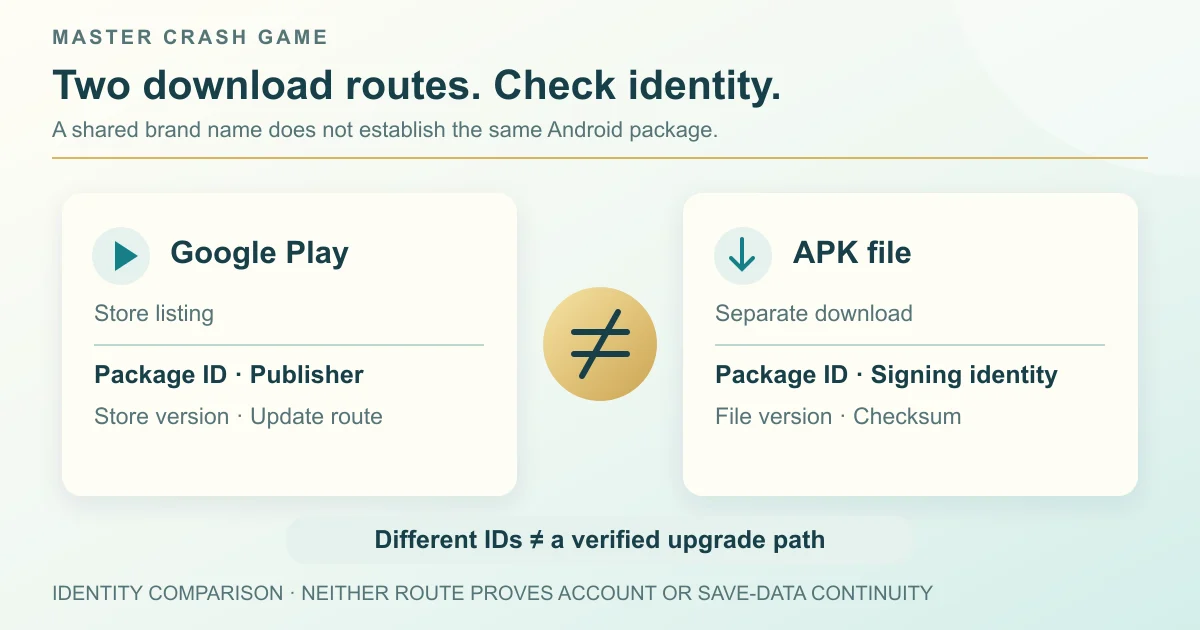
Master Crash Google Play vs APK: Which App Is Which?
Compare the Master Crash Google Play listing with this site’s recorded APK. Check their different app IDs before an install, update or account move.
Read the guide Revat Desai
Android Game App Update Checks: Before You Install
Check an Android game app update against package identity, signing continuity and version information. Review changed permissions before replacing a build.
Read the guide Mithila Kamat
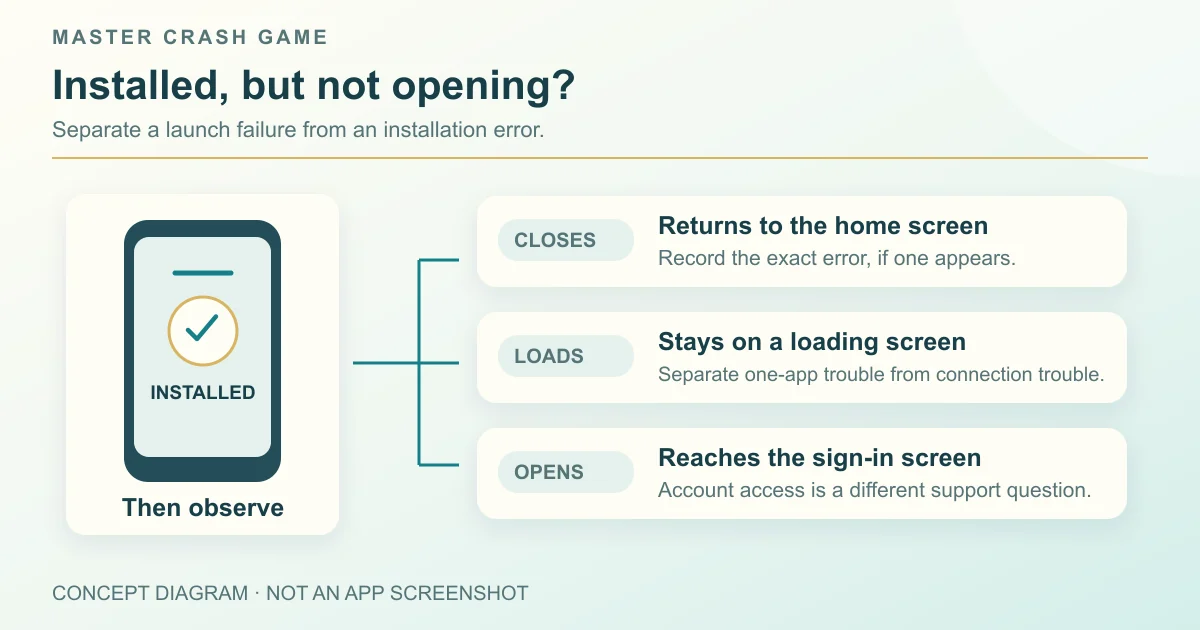
Master Crash Not Opening? Find the Failure Point
Master Crash not opening, closing on launch or stuck loading? Match the symptom to a careful Android check before clearing data or reinstalling.
Read the guideMithila Kamat