

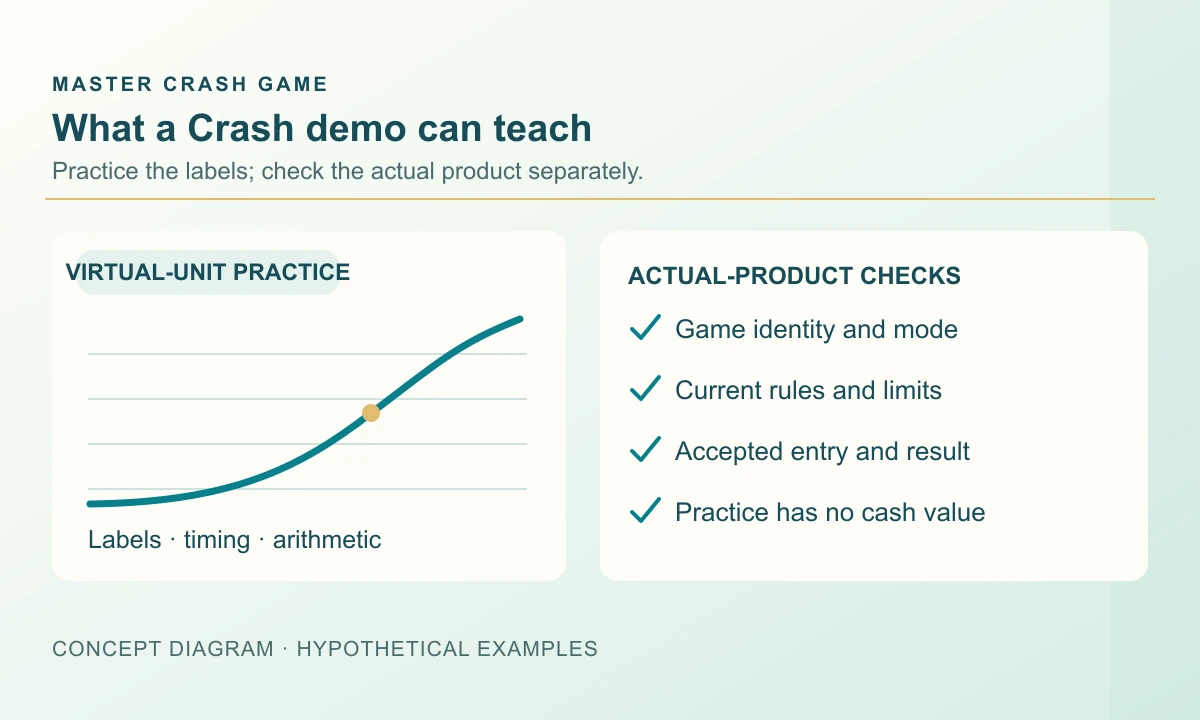
The useful part of a Crash demo is finding the controls before the countdown finishes. You can learn where an amount is entered, how an accepted entry appears and where a completed result is stored. Successful practice rounds record what happened in that session; they do not tell you what a future cash session will return.
Identify the mode before reading the balance
Start with the mode label and its explanation. In a practice mode using virtual credits, the displayed balance is a learning counter, not a payment balance. A currency symbol does not establish that it can be withdrawn. Read the credit description before assigning it any cash value.
Aviator, JetX and Space XY have official demo entry points. BGaming’s website terms explicitly say its demos provide no real-money prizes and may differ from cash implementations in probabilities, RTP, payouts or behaviour. That statement applies to BGaming’s website demos. Check each other provider’s documentation instead of assuming equivalent configurations.
Use a small example to learn the result fields
Suppose a fictional demo begins with 500 virtual units. An accepted 20-unit entry settles at 1.50× under a simple stake-times-multiplier rule. Its gross return is 30 units, including the original 20; its net gain is 10. The balance becomes 510. If the next 20-unit entry is lost, the balance becomes 490. Neither figure is a cash withdrawal.
This short exercise helps locate three separate fields: the amount committed, the amount returned and the resulting balance. A screen that celebrates the 30-unit return may make the 10-unit gain less obvious. Practice reading the ledger as carefully as the animation. These invented amounts explain accounting and are not a sample of any supplier’s outcomes.
Swipe sideways to read the full table →
| Practice entry | Gross return | Net result | Balance after entry |
|---|---|---|---|
| Starting balance | — | — | 500 virtual units |
| 20 units at an accepted 1.50× | 30 units | +10 units | 510 virtual units |
| A lost 20-unit entry | 0 units | −20 units | 490 virtual units |

Practise actions you can actually observe
Follow one entry from the editable amount to its accepted state, then to its completed record. Check whether the amount can still be changed after acceptance. Locate the round identifier and distinguish a live value from the multiplier attached to your own result. On a phone, find the same records after the controls rearrange or move below the chart.
If automation is present, read each setting separately. Repeating entries and closing an entry at a target are different jobs. Identify the confirmed setting and the stop control before assuming that either is active. You can inspect this workflow in a suitable demonstration without deciding that automation improves the outcome probabilities.
Leave live-account questions for live-account evidence
A supplier demo is not a test of an operator’s cashier. It cannot establish how an account balance is classified, which payment methods are available or how an account enquiry will be handled. Those questions belong to the operator’s current account terms and actual records. A practice payout supplies no transaction reference for a real payment.
The installed build may also expose a different set of controls or limits. Before comparing two sessions, record their game name, supplier, version, currency or units and mode. If one field is unknown, leave it unknown. A similar aircraft, rocket or graph is too little evidence to conclude that both sessions share every rule.
Do not turn a practice streak into a forecast
Ten completed demo rounds are ten observations. They do not identify an undisclosed future endpoint or prove that a chosen target will keep succeeding. Resetting a practice balance can further obscure losses by removing them from view. If you keep a learning record, include every accepted entry and avoid retaining only the most successful screenshot.
Virtual credits also remove the financial consequences of a missed action. Being comfortable with a button in practice does not demonstrate how you will react when a loss matters. Treat familiarity with the interface as the result of the exercise. Do not treat it as evidence that you have found a reliable source of income.
Finish with a short control checklist
Finish when you can explain an accepted entry, a completed return and any remaining active amount. Save the relevant help link and note unanswered questions. There is no need to keep repeating rounds to reach an arbitrary balance.
These supplier examples do not establish that the linked Android package contains those games or a practice mode. Confirm the actual product’s instructions before describing its controls as tested.
- Find the mode label and credit description.
- Follow one accepted entry into the completed history.
- Locate separate repetition, target and stop controls where available.
Frequently asked questions
Can I withdraw a Crash demo balance?
Virtual practice credits are not a withdrawable balance. Read the mode description; a currency symbol alone does not make them money.
Does success in a Crash demo prove a profitable system?
No. A completed practice sample cannot establish future results or prove that a target will remain profitable.
Is every Crash demo identical to real play?
Do not assume that. Confirm the supplier, deployed version, mode, limits and rules of the product being compared.
Sources and scope
Examples use the rules and fictional units stated in the article. Check the actual product for its available modes, rules and conditions; no outcome or payment is promised.
Adults 18+. Set time and spending boundaries before participation. Read the limits and breaks guide.
Planning your Android setup
For the Android setup stage of your research, the Master Crash download page lists file information, requirements and installation steps.
Android file & install guideRelated reading
Crash Profit Calculation: Stake vs Return
Calculate a Crash net result from stake, gross return and fees. Work through single-round and mixed-session examples without counting an entry twice.
Read the guide Mithila Kamat
Crash Chart Explained: Axes, Round States and Results
Learn what a Crash game graph shows, how round states change and why a visible multiplier is not a settlement record.
Read the guide Yuvan Kurup
Crash Predictor Claims: Can They Be Trusted?
Assess Crash predictor claims, historical patterns and tool screenshots. Separate a recorded observation from evidence of a reliable future prediction.
Read the guide Revat Desai